01 — OVERVIEW
ADP Mobile is where millions of employees check pay, clock in, and request time off — but most only open it when they have to. Over five months, our team set out to find out why, and to redesign the experience so the app shifts from transactional (something you use when required) to transformational (something that actually works for you).
TIMELINE
August – December 2025 (5 months)
DELIVERABLES
High-fidelity prototype and user testing report
CATEGORY
HCM Mobile App
02 — THE PROBLEM
DESIGN GOAL
Increase adoption by aligning the mobile experience with employees’ core work needs, and simplifying how they access, understand, and act on information.

03 — MY ROLE
I led product direction and research on a four-person team, alongside another UX Researcher and two UX Designers.
To get more responses in a short window, I advocated opening research participation to all users of human capital management (HCM) systems, not only ADP users.
TOOLS
Pencil + paper, UserTesting.com, Otter.ai, Figma, Google Suite, Qualtrics, Zoom, Gemini (to pressure-test questions), and a lot of sticky notes.
04 — WHAT I FOUND
I conducted foundational research to understand the scope of HCM platforms, as well as the needs of hourly and salaried employees. The mixed-methods approach included:
Site teardown — an on-site service walkthrough to understand core product strategy and technical details.
Interviews — 13 semi-structured interviews on current HCM app habits, run through UserInterviews.com.
Survey — 133 responses (110 after screening) collected through Qualtrics.
Competitive analysis — reviewed Workday and UKG for pain points and opportunities in mobile HCM workflows.

KEY INSIGHTS
Users want access to information “at their fingertips.” Giving people context and meaningful information prompts them to explore and engage.
Information is hard to find. Users leave the app or get lost trying to reach basic features. “Spent half an hour trying to find out how to get a full paystub…”
Data exists but doesn’t communicate. Users want visualizations and context, not raw numbers buried in menus.
The app should work for employees. Inconsistent education and a lack of value-add tools leave users disengaged.
05 — WHAT I DID
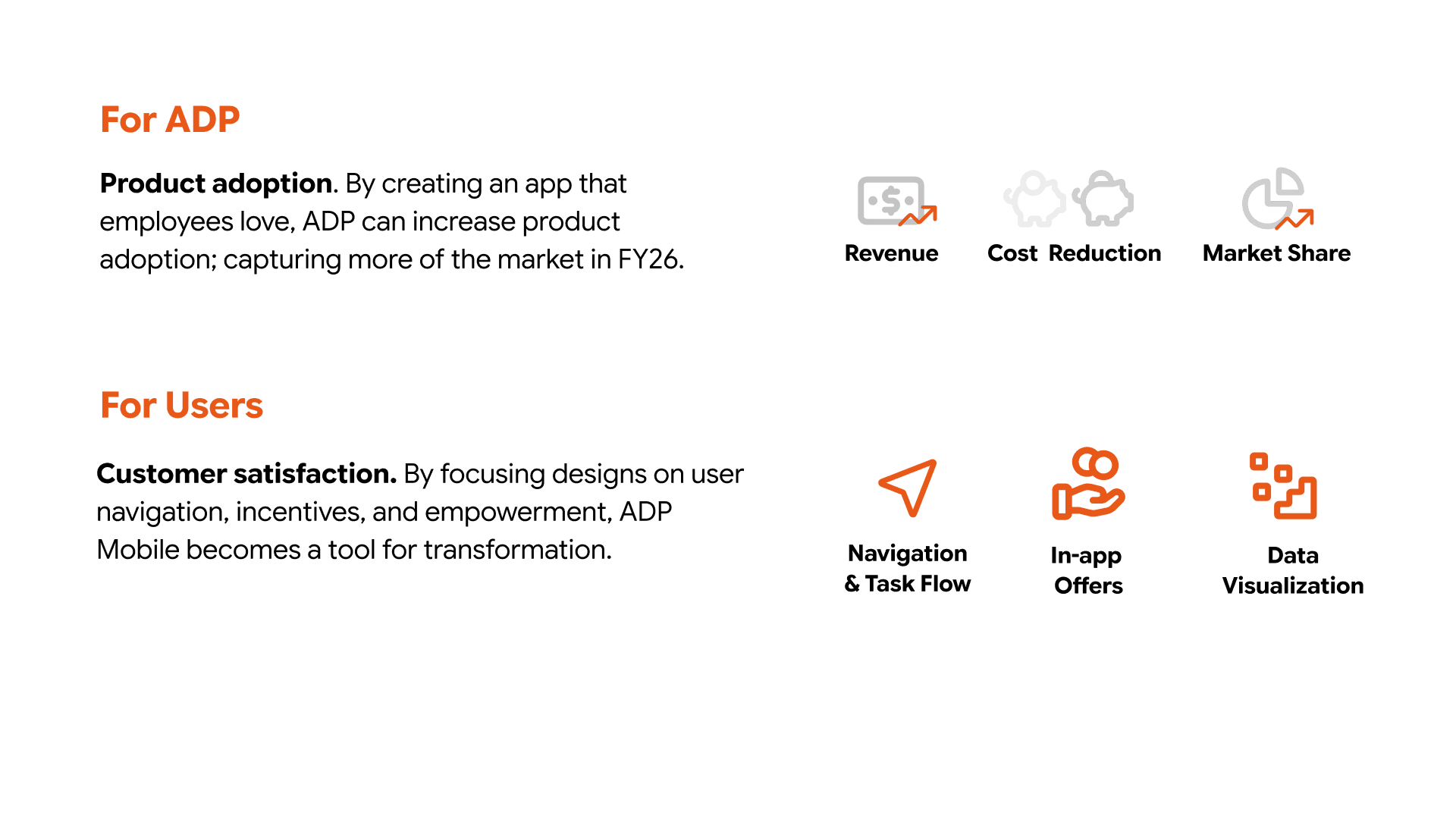
We worked in five phases: Define (weeks 1–3), Research (3–6), Ideation & Design (6–9), Prototyping (9–12), and Solution Evaluation (12–15).
Two personas anchored the work: Allison, a part-time hotel receptionist who needs to check her pay and PTO quickly, and Ronald, a full-time report generator who wants to track savings and use his PTO well.
Accessibility testing reshaped the wireframes: visual grouping isn’t one-size-fits-all, and screen readers lean heavily on information architecture. That led us to add a list-view toggle alongside the widget view.

THE SOLUTION
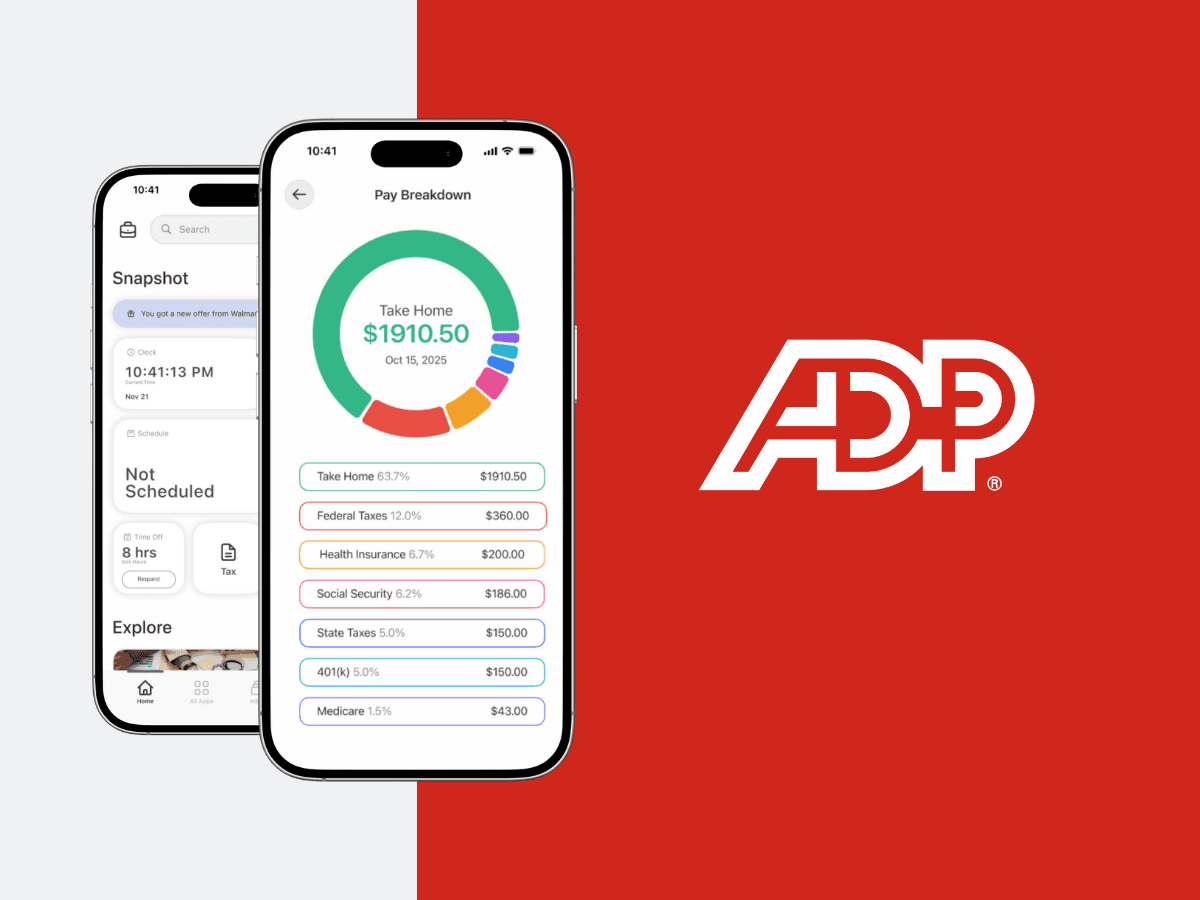
Information access — a more personal Snapshot home screen that brings pay, schedule, time off, and the clock-in feature together.
Layout & data visualization — interactive pay breakdowns and a pay simulator that give users more information through interaction, with a list view or widget view.
Offers — in-app offers and learning cards that signal new information is waiting for the user.

RESULTS
We evaluated the prototype with an A/B survey on information architecture, unmoderated testing on UserTesting.com, and moderated heuristic evaluations.
The list view hit a 100% task success rate.
Users split 50/50 on the two offer formats; large discount values were the main hook.
On the pay simulator, one participant said: “This is the best feature that I’ve seen. I’d use this all the time.”
Experts flagged two fixes: make interactivity more visible, and align labels and icons more closely with users’ mental models.
REFLECTION + NEXT STEPS
Next steps: prioritize customization, push new information through notifications without overusing them, and revisit context-dependent names like “Snapshot.”
What I’d do differently: I would have stayed in the customization space longer. Users lit up when they talked about apps that make mundane tasks personal. I’d shorten the survey, ask more “why” questions in interviews, and add a diary study to see whether the app truly moves from transactional to transformational in daily use.
